01
Branch sync
A small sync service at each branch reads sales, purchase and stock entries from Tally and sends them to one central database. Billing staff change nothing in how they work.
A family-run garment retailer with six branches around Chennai keeps a separate Tally company at each store. Stock is counted by hand every week and combined in Excel. By the time the sheet reaches the owner, it is already a few days old. This is how we would give that business one live stock position without replacing Tally.
About this case study. This is a worked example, built from the kind of operation we work in. The business described is a composite and is not a named client, the screens show sample data, and we quote no result figures we cannot source. The commitments at the foot of the page are the ones that hold on every engagement.
Each branch bills in its own Tally company. To know what is in stock across the business, the owner waits for six store managers to send a count, and someone in the back office pastes the six sheets into one.
Three things go wrong every week. A fast-moving item runs out at one branch while another branch has it sitting on the shelf. Buying is done from memory and from whichever manager calls loudest. Stock that has not moved in months stays invisible until the annual count.
None of this needs a new ERP. The sales and purchase entries that answer every one of these questions are already being typed into Tally every day.
The exact scope is fixed after two to four days on site. For an operation like this one, it usually comes down to these parts.
A small sync service at each branch reads sales, purchase and stock entries from Tally and sends them to one central database. Billing staff change nothing in how they work.
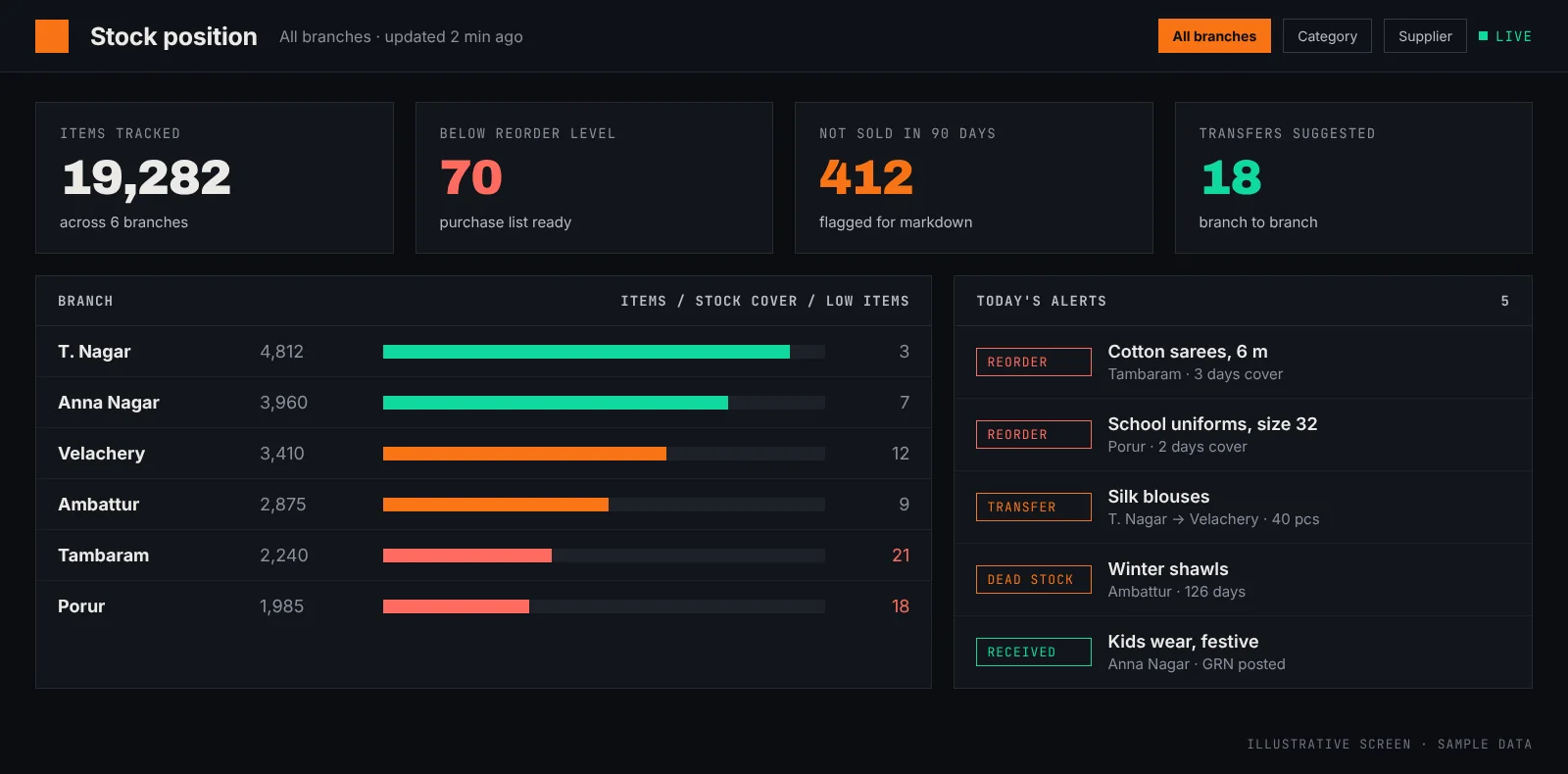
A single view of every item at every branch, searchable by item, category and supplier, on the owner's laptop and phone.
When an item falls below its reorder level, the system first checks whether another branch can spare it, and suggests a transfer before a purchase.
Items that have not sold in a set number of days are listed by branch and value, ready for a markdown or a return to the supplier.
A short message every morning with yesterday's sales by branch, the low-stock list and the transfers to approve.
Once a few months of clean history is in one place, branch and category forecasts can drive the purchase list, including festival seasons.
| Today | With the system | |
|---|---|---|
| Stock position | Counted weekly, combined in Excel | Live for every branch, from Tally entries |
| Running out of an item | Found when a customer asks for it | Flagged when it crosses the reorder level |
| Stock lying at another branch | Found by phoning around | Transfer suggested by the system |
| Slow-moving stock | Seen at the annual count | Listed every week by value |
| Purchase list | From memory and phone calls | From sales and stock data, reviewed by the owner |
The same stages on every engagement. The full walk-through is on the How We Work page, and the wider service is described under AI and software for retail chains.
| Discovery call | 30 min, free |
|---|---|
| Days on your floor before a proposal | 2–4 |
| Scope, timeline and price | Fixed |
| First working demo on your data | Week 1 |
| Typical time to production | Weeks 6–12 |
| Existing systems replaced | Zero |
No. Tally stays at every branch and billing staff keep working the way they do today. The sync service reads the entries they already make.
The branch keeps billing in Tally as usual. The sync service holds the entries and sends them when the connection returns, and the stock screen shows when each branch was last updated.
Yes. A first scope can cover a few branches and one alert type, and the rest are added once the owner trusts the numbers.
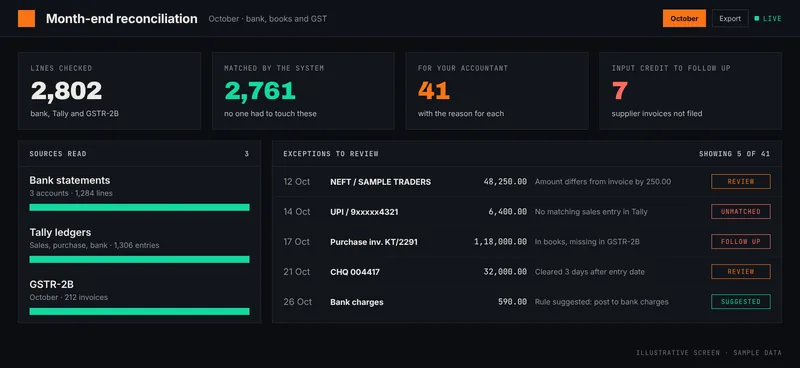
Bank statements, Tally ledgers and GSTR-2B matched by the system. The accounts team reviews a short list of exceptions instead of ticking thousands of lines.
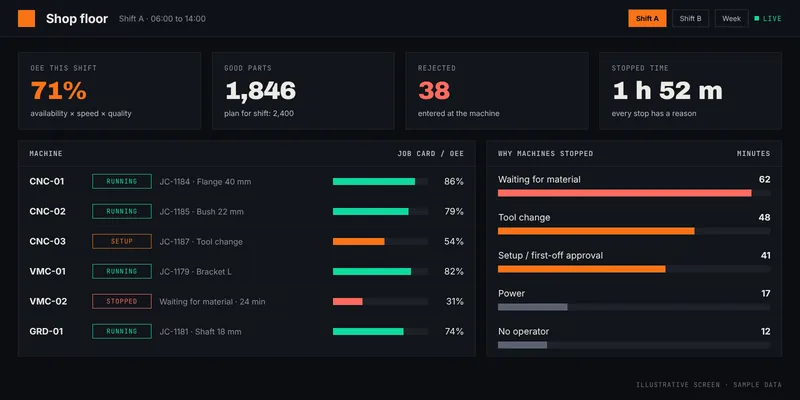
Read the case study →A machine shop that learns about yesterday's production the next morning. Tablet job cards at each machine give the owner live output, rejects and a reason for every stop.
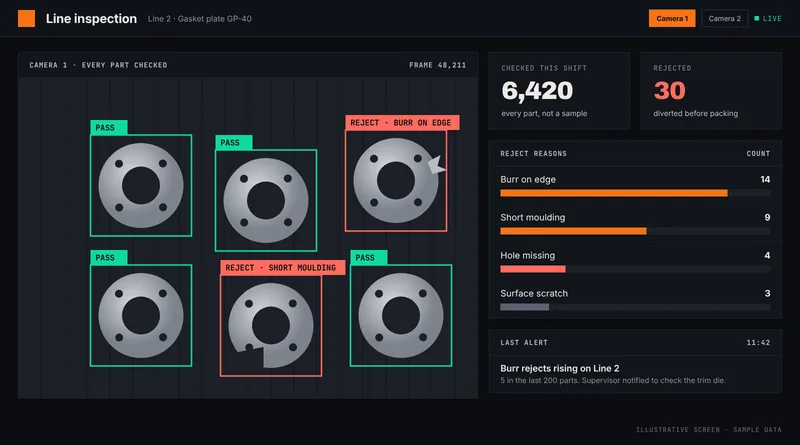
Read the case study →Sampling one part in fifty lets defects reach the customer. A camera over the line, trained on the plant's own parts, checks every piece and tells the supervisor when rejects start rising.
Read the case study →Tell us what your week looks like. Thirty minutes on a call is usually enough to tell whether there is something worth building together. The call is free, and we respond within one business day.